
Your First AI Automation Isn't Supposed to Be Impressive

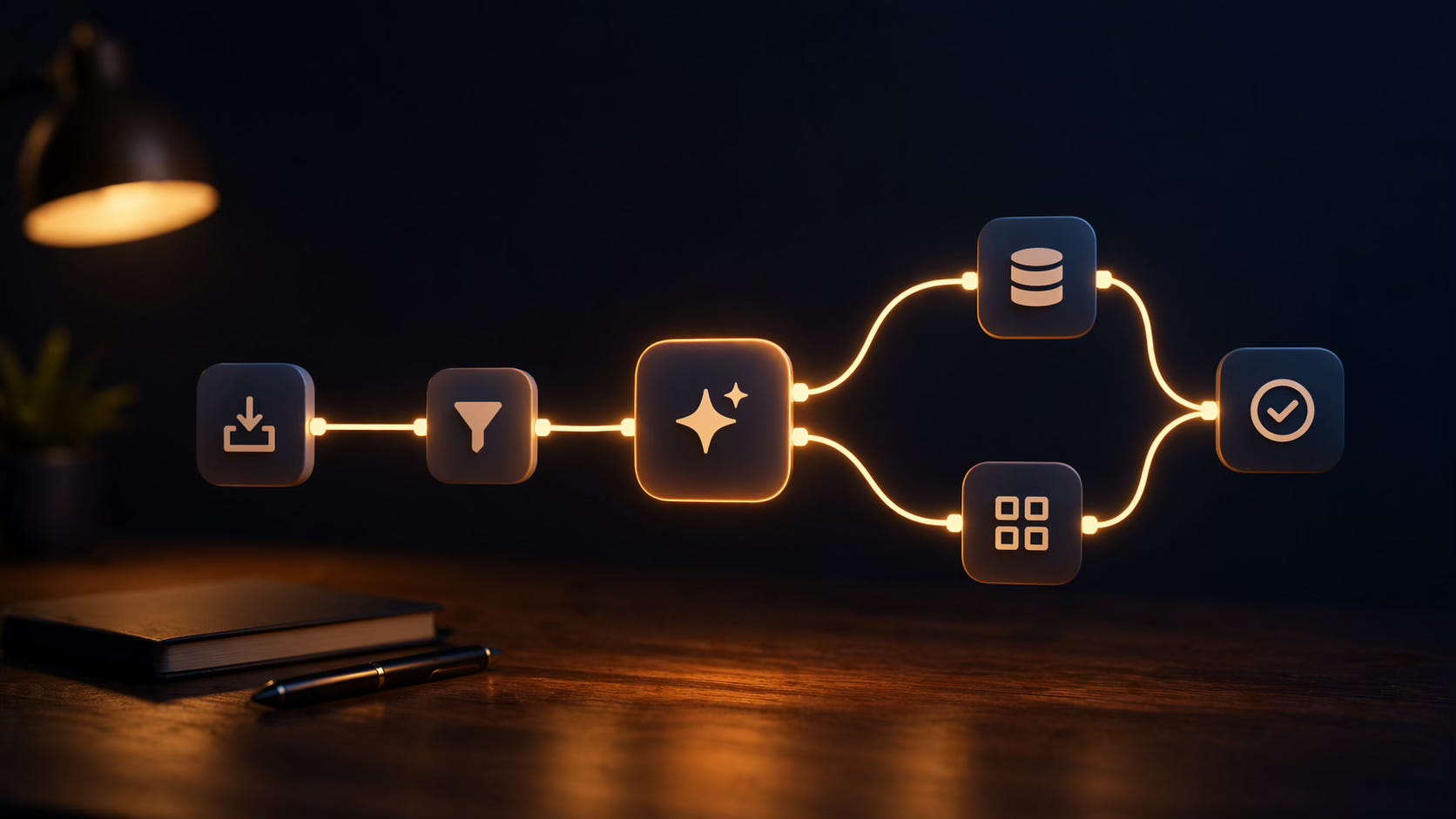
I’ve talked a lot about AI over the past two months.
Tools. Systems. Results. All of it.
But I realized I never actually walked you through how to build your first automation. Step by step. In an email.
Which is embarrassing, because that’s the thing that changes everything for people.
So let’s fix that today.
What your first automation actually needs to do
Not save you ten hours a week. Not replace a department. Not impress anyone.
It just needs to do two things:
Show you what’s possible
Save you a little time while it does it
That’s the whole bar.
Because once you feel it click — once you watch a workflow fire and do something you used to do manually — everything shifts. You stop seeing AI as a tool you chat to and start seeing it as a system you build.
That shift is worth more than any individual automation you’ll ever make.
What you’ll need
Three things:
n8n — the plumbing. Connects everything, moves data around, runs logic without you babysitting it.
Claude — the brain. The part that writes, summarizes, analyzes, or generates the output.
API keys for both — how the two talk to each other. Five minutes to set up. Don’t overthink it.
The 7-step build
1. Pick a task you do every single day.
Not once a month. Daily. Writing a newsletter. Coming up with content ideas. Summarizing notes. Drafting responses. Something so repetitive it’s almost automatic.
The more repetitive, the more obvious the value becomes. For this walkthrough, we’ll use newsletter writing.
2. Find where that task actually starts.
Before you open a blank doc, what do you do first? For a newsletter, you probably think of an idea, figure out the problem it solves, then start drafting.
That first step is your trigger — whatever kicks the workflow off. For your first build, keep it simple: a manual input. You type something in, the system responds.
3. Set the trigger in n8n.
Create a new workflow. Add a “Manual Trigger” node. It’s literally a button that says run.
Later you’ll swap this for something smarter — a form submission, a schedule, a webhook. But for now, you just want it to fire when you tell it to.
4. Connect Claude.
Add a Claude node after your trigger. This is where you tell it what to do with the input.
Your prompt is everything. Spend ten minutes getting it right. Be specific about format, tone, and length. The more detail in, the less editing out.
For newsletter writing, something like:
“You’re writing a short newsletter draft for a solopreneur audience. The topic is [input]. Write in a direct, conversational tone. Keep it under 400 words. Lead with a hook.”
That prompt becomes your system.
5. Route the output somewhere useful.
If the output just lives inside n8n, you’ll never look at it. Send it to Notion, a Google Doc, your inbox, or a Slack channel.
Notion is the easiest for most people. Connect your account, pick the database, map the output to the right field. Done.
Now every run drops a draft straight into your workspace.
6. Test it once.
Run it manually. Give it a real input. Watch it fire. Check that the output landed.
If something breaks, n8n tells you exactly which node failed and why. Most first builds need one or two tweaks — a missing field, a formatting issue, an auth hiccup. Five minutes to sort.
7. Turn it on.
This is the part most people skip. They test it, it works, and then they never activate it because they’re waiting to make it perfect.
Don’t do that. A working system that’s running beats ten perfect systems still in draft.
The part most people miss
They think the value is in the output.
It’s not. The output is fine. The output is useful. But the real value is what happens to your relationship with your time when you realize a task you’ve been doing manually, every single day, is just happening now.
That’s when people start auditing everything. Start asking “does this actually require my brain?” about every repetitive thing in their week.
That question is worth more than this workflow.
The answer is almost always no.
Once you’ve got one system running, you know how to build the next. The second takes half the time. The third takes half of that.
You don’t need to automate everything at once. You just need to start.
One more thing
If reading this, you’re already thinking “I know exactly which task I’d automate first — but I don’t have time to actually sit down and build it” — that’s literally what I do.
I run a 48-hour workflow audit where I find the #1 time-killer in your business and hand you a specific, buildable solution. You can run with it yourself, or I’ll build it for you.
→ audit.andrewjduggan.com
Either way — build the one I just walked you through. See it fire. Then ask yourself what’s next.
Talk soon,
Andrew